Note: we already have many Polished images. This adds more good ones, in the different colors and in big clear sizes.
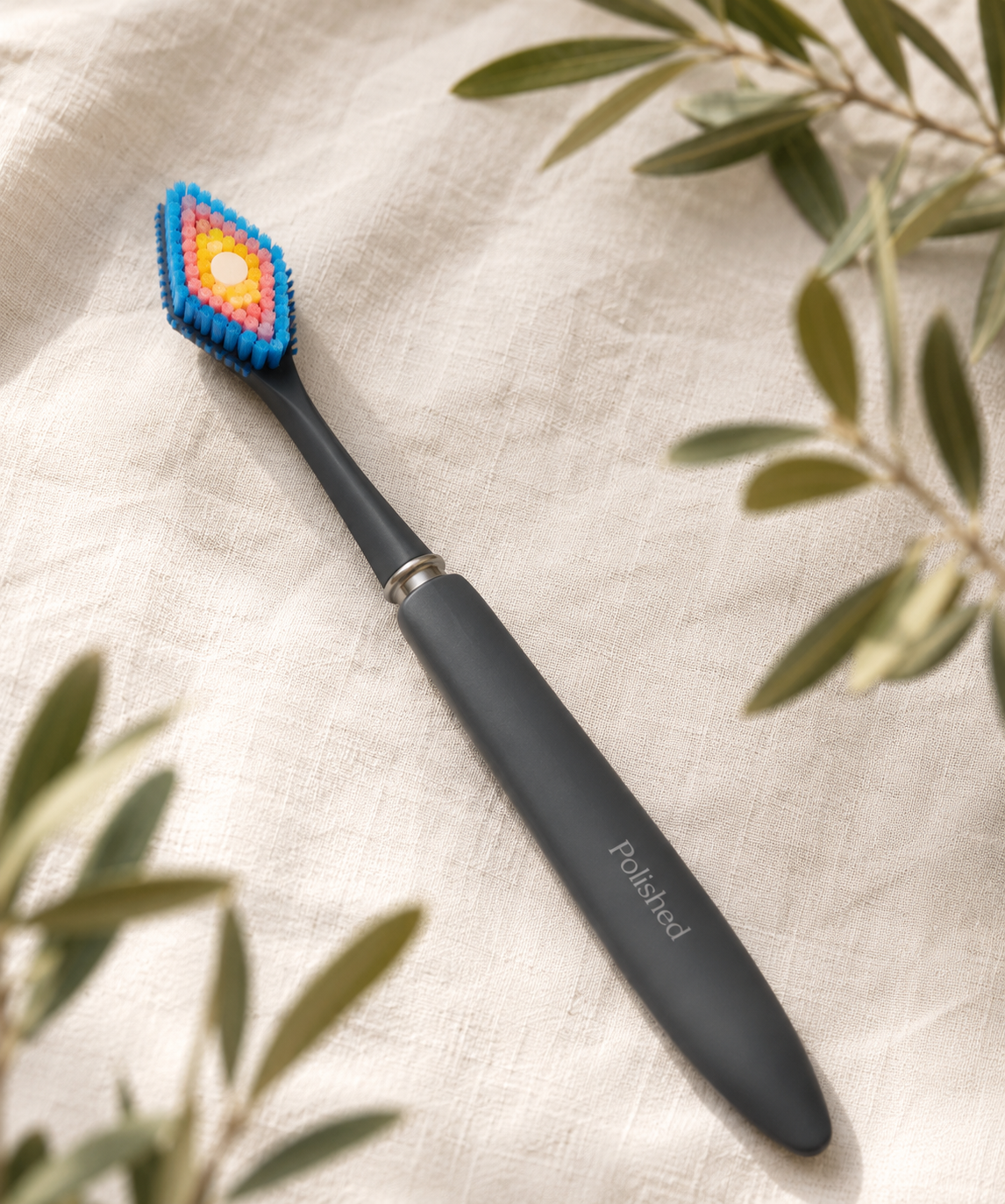
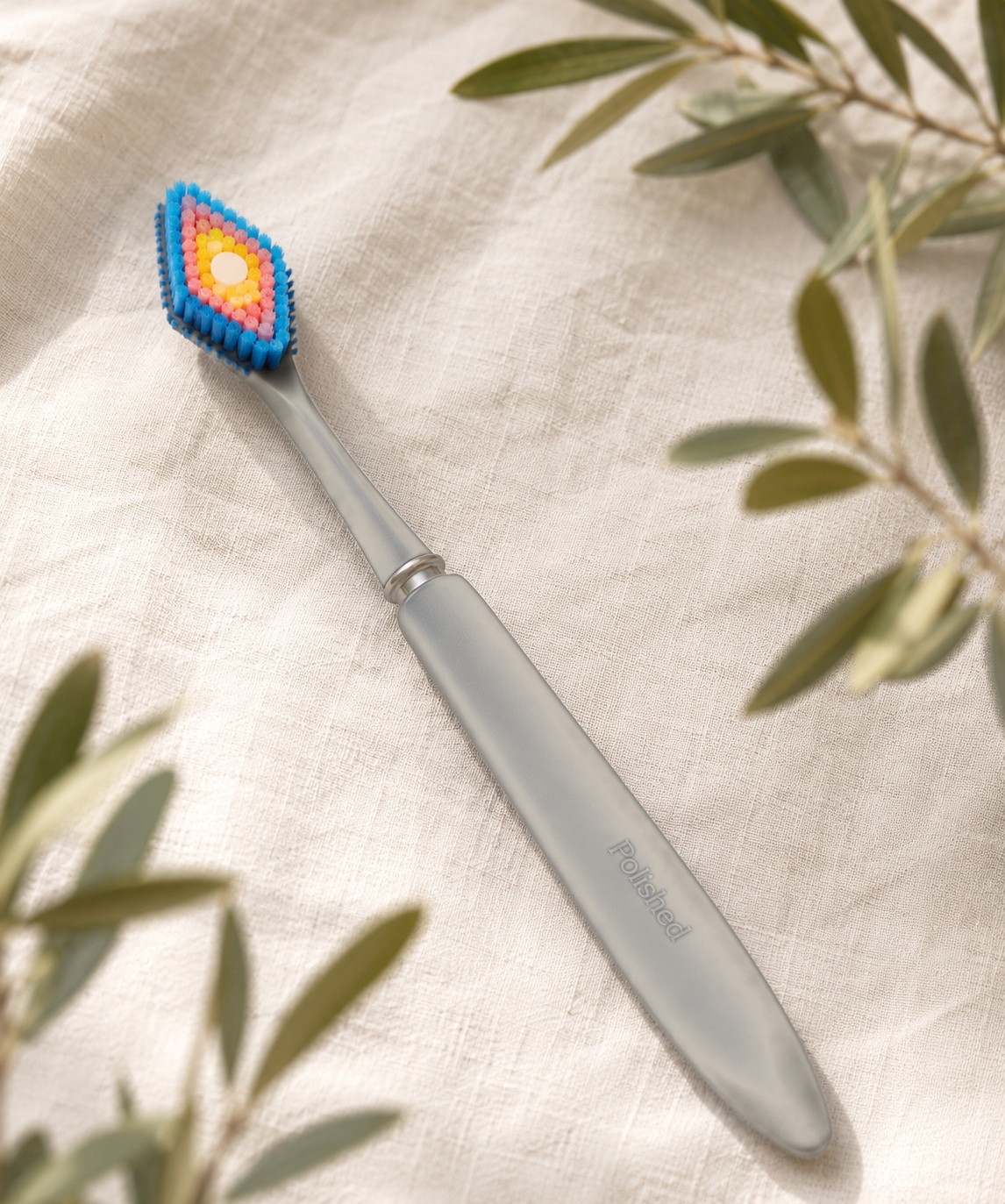
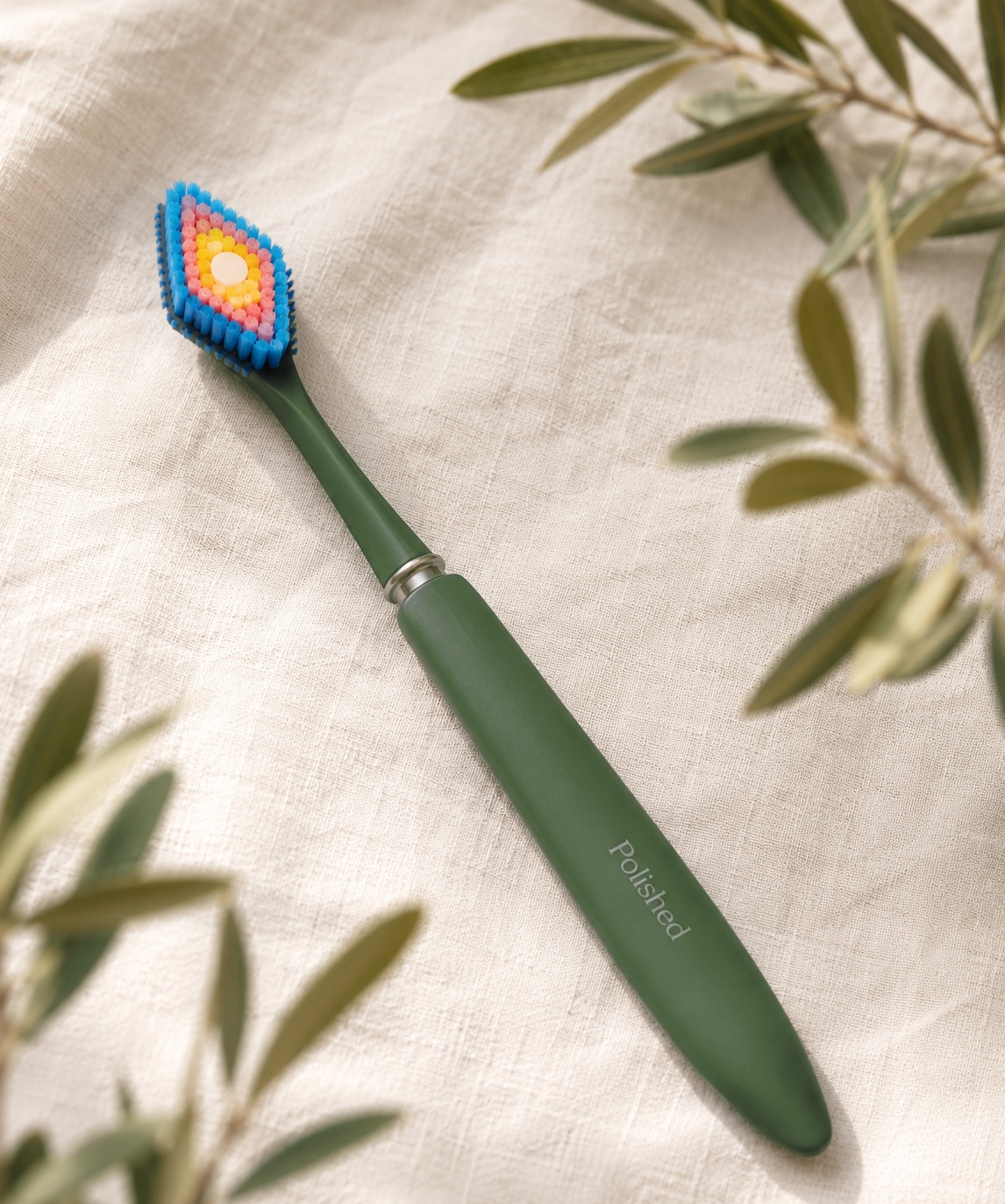
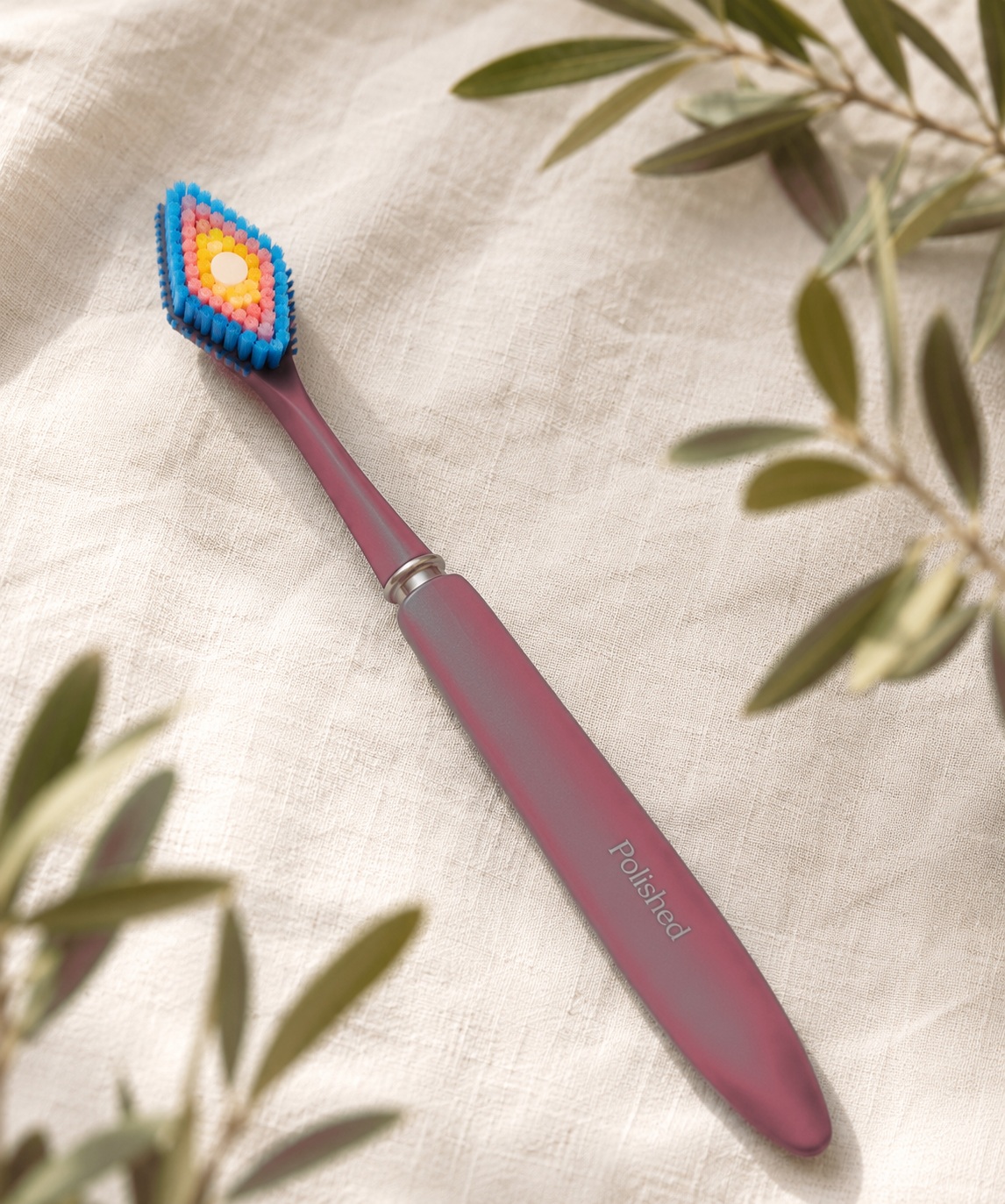
Keep the same: the slim handle, the diamond head with colorful rings, and the word Polished. You can change: the handle color, the background, and the scene. No people, no faces.
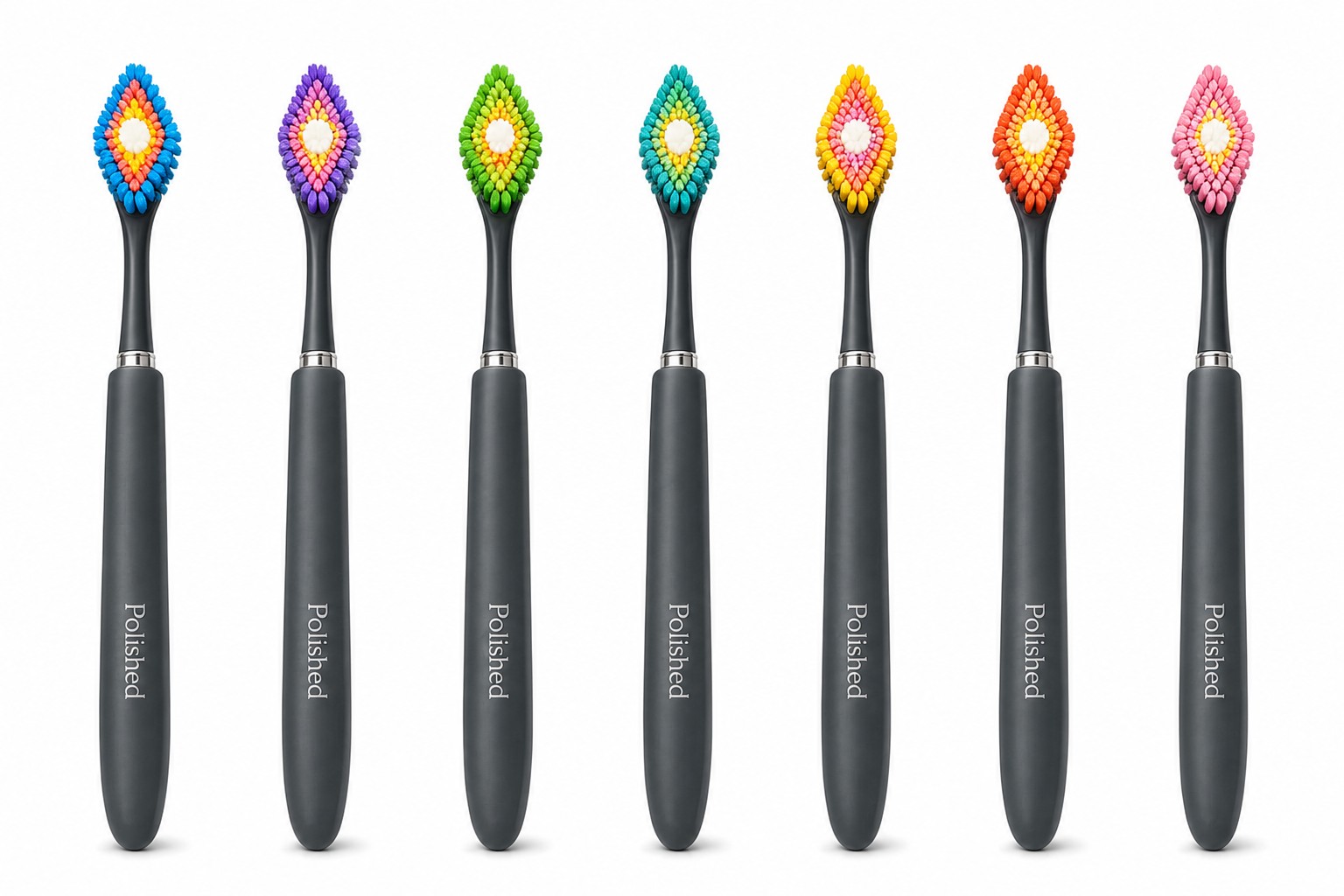
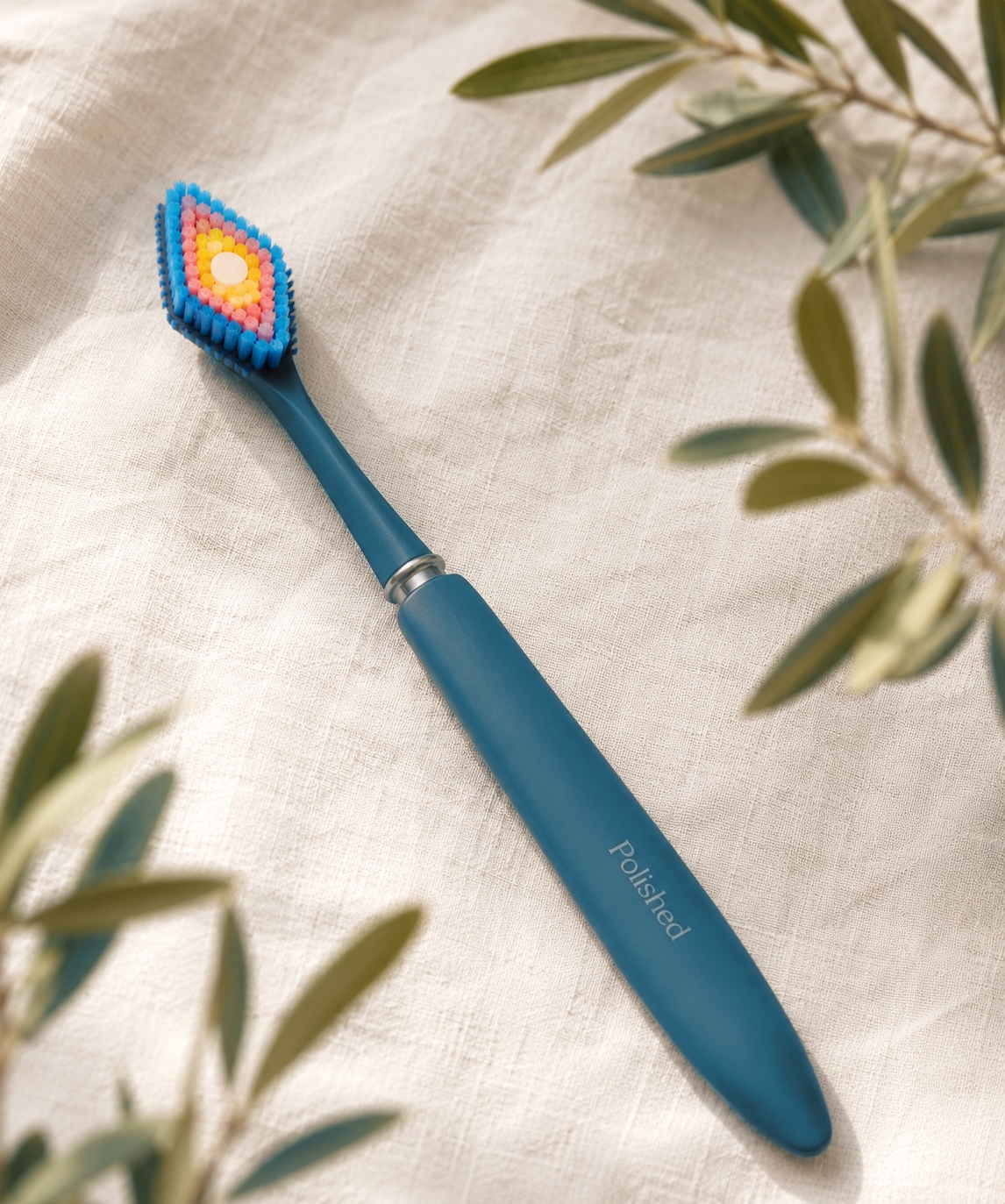
handle colors:
1
Make the photos in ChatGPT
- Save the product picture above to your computer.
- Open ChatGPT and upload that picture.
- Paste the text below. Change the last line using an idea from Step 2.
- If it looks right, save it. If not, ask ChatGPT to try again.
This is the Polished toothbrush (see the picture).
Make a new, real photo of this exact product.
Keep the diamond head with colorful bristles, the slim handle, and the Polished name the same. No people.
Now make this: a toothbrush in a glass on a marble counter.
2
Pick any ideas you like
These are just ideas to help you. Pick the ones you like. You do not need all of them. Please try to make about 40 good images in total.
Product alone (white background)
- front view
- 45-degree angle
- top view
- in a glass
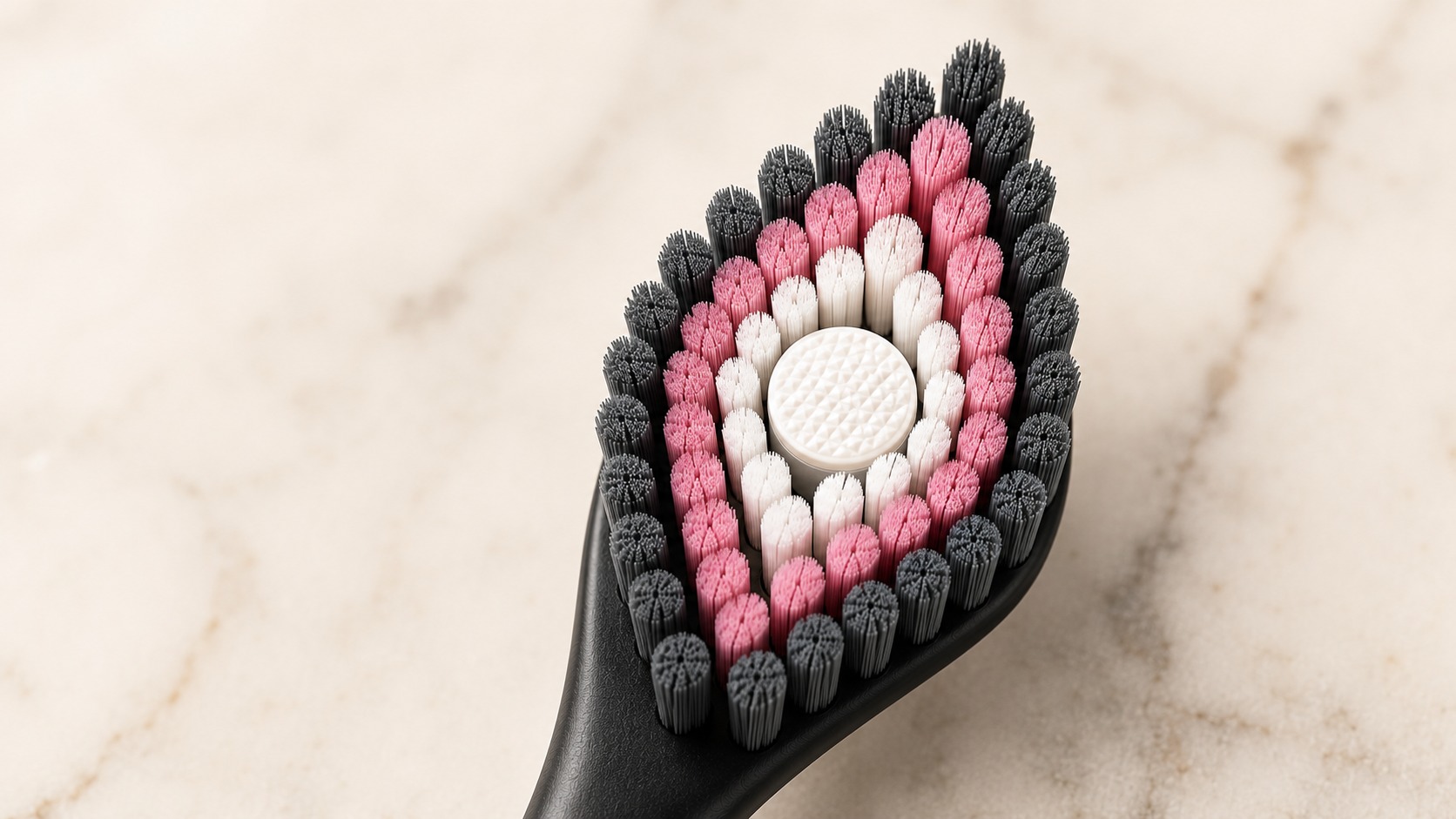
- close-up of the head
- the word Polished
- exploded view
The colors (change only the handle)
- cyan
- green
- orange
- pink
- purple
- teal
- yellow
- all colors in a row
In a nice bathroom
- in a glass on marble, morning light
- on a towel with a candle
- Scandinavian bathroom
- with skincare bottles
- wooden tray with eucalyptus
- by a bright sink
- hotel bathroom
- pink marble counter
- in a travel bag
- a few colors in a cup
Close-ups and concept
- side view of the handle
- two crossed (charcoal + cyan)
- next to a plain boring toothbrush
- on a podium, studio light
- top view of the head
- on a sink edge with water drops
Square (for Instagram)
- centered on cream
- all colors from the top
- in a glass on marble
- a single pink one on pastel
3
Email them to Sergio
- Open Gmail, click Compose.
- Type this address in To:
sergio@ameriasiaworks.com
- Type this in Subject:
Polished Images
- Attach the image files (paperclip button, or drag them in).
- Attach the real files. Do NOT paste a Google Drive link.
- Send. If you have many, send 5 to 10 per email, then send more emails.
Size: make images large and clear. Wide shape for most, square for the Instagram ones. • Names: just call them polished-01, polished-02, and so on.